
FULL PAGE SCREEN CAPTURE TO ANNOTATE & SHARE IN SECONDS.
The most powerful full-screen and area capture extension for Chrome. Perfect for design feedback, bug reporting, and quick tutorials.
FULL SCREENSHOT CAPTURE IN YOUR BROWSER
PAGEMONSTER IS FREE TO USE. CAPTURE ANYTHING IN THE BROWSER WITH 3 CAPTURE MODES. DOWNLOAD OR COPY TO SHARE.
3 CAPTURE MODES
Capture exactly what you see, drag to select a specific area, or automatically scroll to capture the entire page.
ERASE ELEMENTS
Select and erase unwanted elements directly from the web page before capturing your screenshot for a cleaner look.
DELAY CAPTURE
Set a timer to capture elements that appear on hover or click.
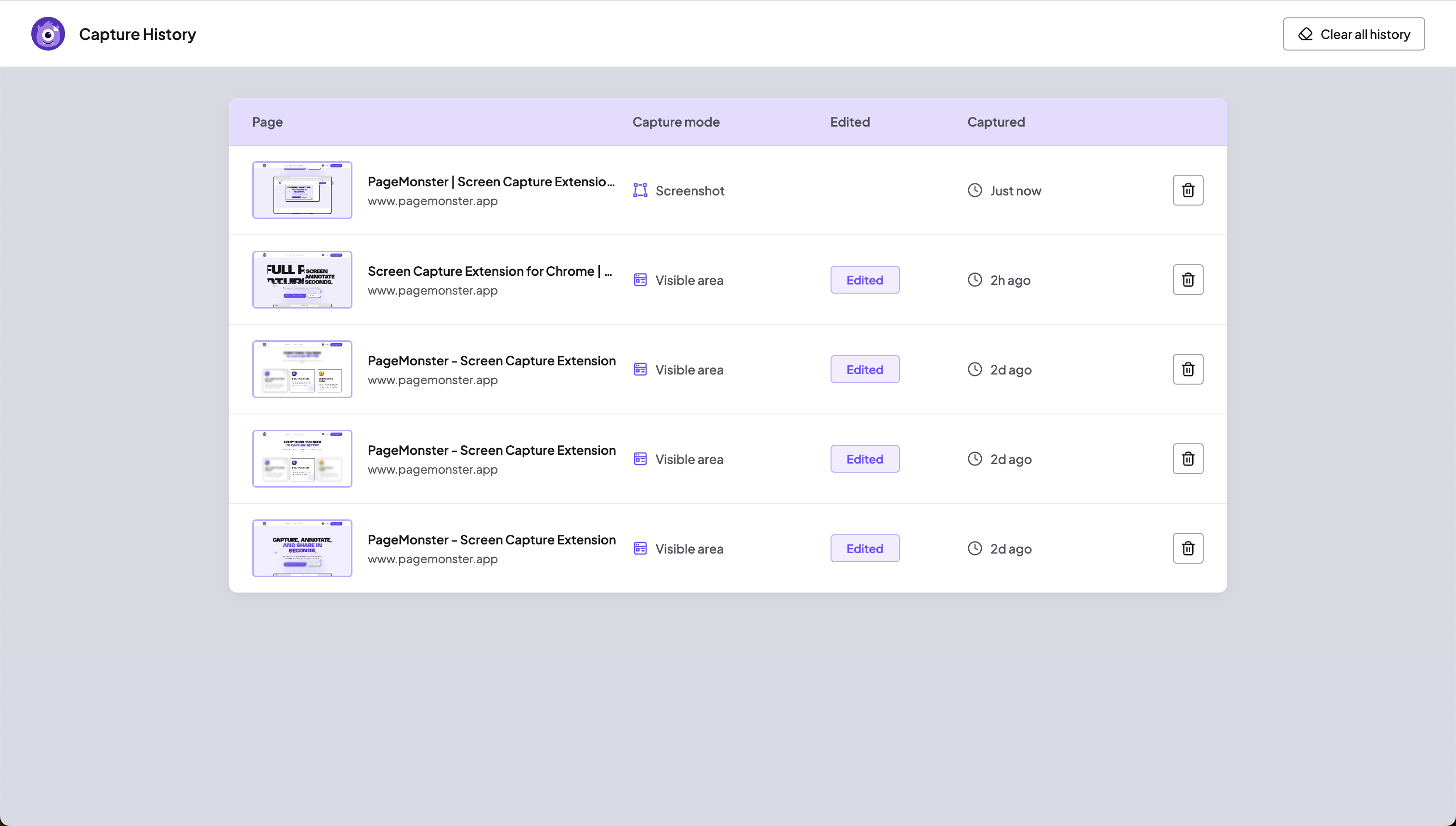
HISTORY
Access your history to revisit and edit old captures anytime. For maximum privacy and security, we never store images in a database—everything is 100% locally stored in your browser.
Download & Print
Save your annotated captures as high-quality PNGs or JPGs, export them as PDFs, or send them straight to your printer with one click.
Copy to Clipboard
Instantly copy screenshots to your clipboard to paste them into emails, chats, or documents without saving.
Works where you work
Compatible with your favorite Chromium-based browsers.


Pro
Billed $19 annually (VAT included)
Cost less then one cup of coffee every month
7-day free trial included
Start Free TrialIncluded in Pro
All Capture features - Capture, Erase, Delay
Full Editor access
Annotation and drawing
All Advanced Shapes & Blur, Spotlight and Mirrorglas
PNG, JPG & PDF Export and Print
PRO FEATURES
Unlock the full power of Pagemonster with these advanced tools.
Pro Editor features
Instantly add shapes, arrows, text, and blurs to highlight important details or obscure sensitive information.
Privacy Blur
Quickly obscure sensitive information, passwords, or faces before sharing your screenshots with the world.
Spotlight Highlight
Draw attention to specific elements by dimming the background and spotlighting key areas of your capture.
Pixel-Perfect Magnifier
Zoom in to get pixel-perfect precision when selecting an area to capture or when highlighting small details.